
Best GTA 6 Settings for PS5 and Xbox: Pre-Launch Setup Guide
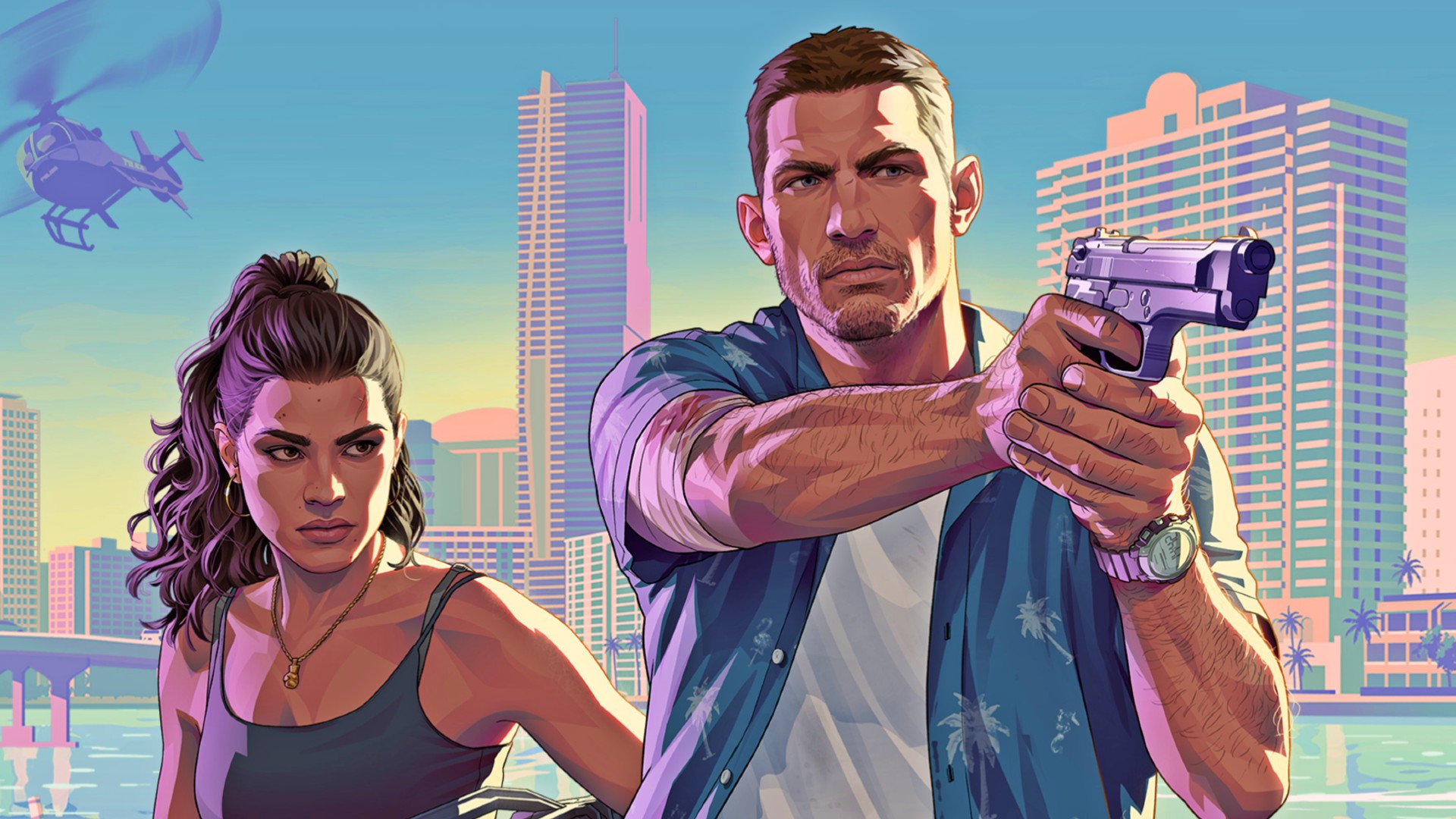
No one can provide verified "best GTA 6 settings" before the game launches. Rockstar has not shown the console settings menu or confirmed graphics modes, frame rates, resolutions, motion options, or performance differences between PlayStation 5 and Xbox Series X|S.
What players can do now is prepare the hardware around the game. Your console, television, HDMI connection, storage, and system-level video settings can all be checked before November 19, 2026. That avoids spending launch day troubleshooting an incorrect HDMI port, disabled low-latency mode, or insufficient storage.
This pre-launch guide separates official facts, a single-source 30/60 FPS rumor, and practical day-one preparation. It does not invent GTA 6 menu options or recommend numerical values for settings that have not been revealed.
Key Takeaways
- Official performance information: Rockstar has not confirmed any GTA 6 frame rate, resolution, or graphics mode.
- Quality and Performance modes: A reported 30/60 FPS split exists only as a single-source rumor.
- Xbox Series S: A rumored 30 FPS limitation has not been officially confirmed.
- PS5 Pro: GTA 6 is labeled PS5 Pro Enhanced, but its specific enhancements remain unknown.
- 120 Hz console output: This capability does not mean GTA 6 will run at 120 FPS.
- VRR: It can synchronize a compatible display with supported output, but it cannot convert a 30 FPS mode into 60 FPS.
- Best preparation: Update your devices, verify storage, enable low-latency display behavior, and test HDR correctly.
- Launch-day method: Compare any real graphics modes in the same location before selecting one.
The objective is to arrive at launch with a correctly configured system and no unsupported expectations. GTA 6 itself should determine the final settings after its real options can be inspected and tested.
Important: Console specifications describe what the hardware can support across compatible games. They do not confirm what GTA 6 will deliver.
What Is Confirmed and What Is Not
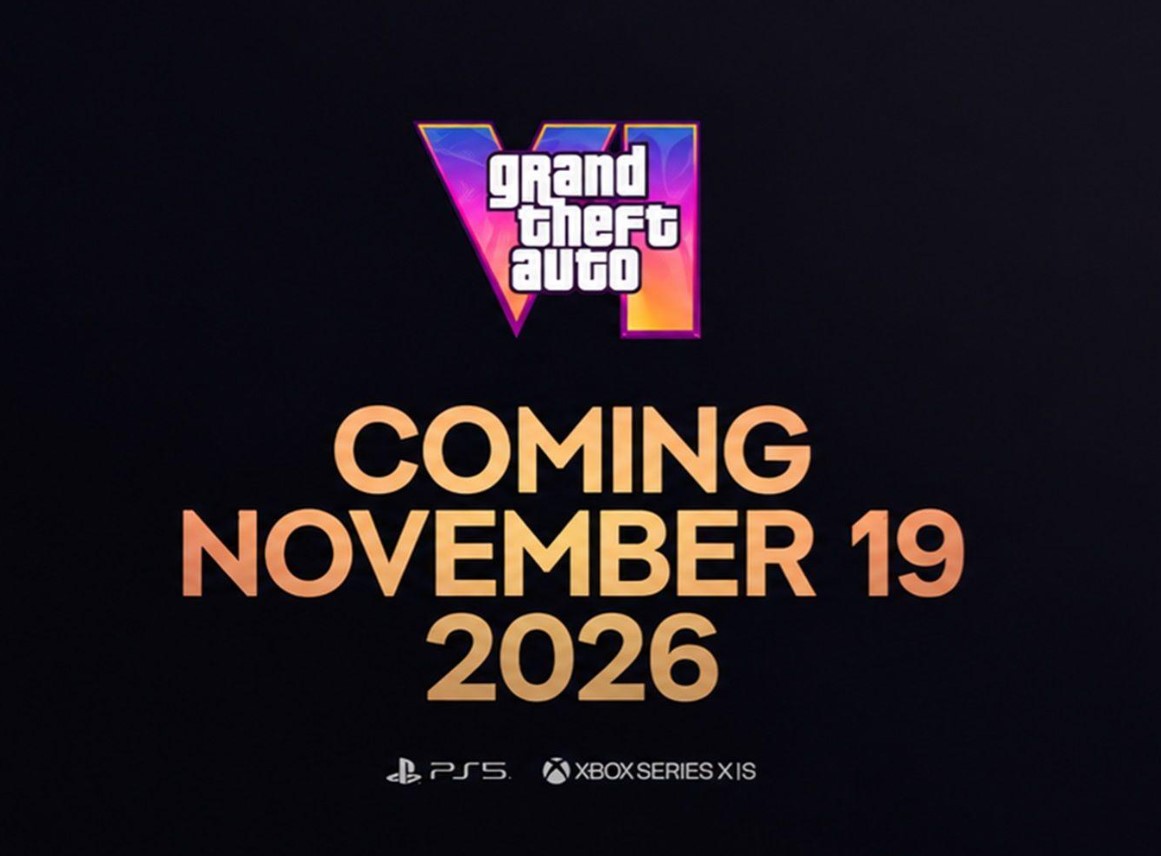
GTA 6 releases on November 19, 2026, for PlayStation 5, Xbox Series X, and Xbox Series S. PlayStation identifies the game as PS5 Pro Enhanced, but Rockstar has not published a technical breakdown for any console.
| Technical Question | Official Status in July 2026 |
| PS5 version | Confirmed for November 19, 2026 |
| PS5 Pro support | Labeled PS5 Pro Enhanced; exact enhancements are unknown |
| Xbox Series X version | Confirmed for November 19, 2026 |
| Xbox Series S version | Confirmed for November 19, 2026 |
| Graphics modes | Not confirmed |
| Frame rates | Not confirmed |
| Rendering resolutions | Not confirmed |
| 120 FPS gameplay | Not announced |
| Installation size | Not announced |
Use this table to reject any article that presents a finished optimization preset. There is currently no verified GTA 6 console preset to copy, even when the advice uses familiar labels from other games.
Performance is also separate from edition content. Our GTA 6 Standard vs Ultimate Edition comparison explains the purchase differences without suggesting that the more expensive edition runs better.
The GTA 6 30/60 FPS Rumor Explained
A Polish journalist reported that Rockstar was working with 30 FPS and 60 FPS modes for PlayStation 5 and Xbox Series X. The report cited one source said to be close to Rockstar. This was the journalist's first report involving Rockstar, so there is no established Rockstar-specific record to assess.
| Reported Claim | Accuracy Status |
| 30 FPS quality-focused mode | Single-source rumor; not confirmed by Rockstar |
| 60 FPS performance-focused mode | Single-source rumor; not confirmed by Rockstar |
| PlayStation 5 availability | Rumored, with no official technical details |
| Xbox Series X availability | Rumored, with no official technical details |
| Xbox Series S at 30 FPS | Rumored current target, not a confirmed limit |
| 60 FPS launch timing | Reportedly uncertain and potentially delayed to an update |
The correct interpretation is that Rockstar may be testing more than one performance target. Development targets can change, modes can miss launch, and internal experiments do not necessarily become public features.
Warning: Do not buy a console specifically because an unofficial report assigns it a 60 FPS mode. If 60 FPS is essential to you, wait for Rockstar confirmation or measured launch coverage.
The rumor also provides no trustworthy rendering resolutions, ray-tracing configuration, crowd-density differences, or image-quality settings. Attaching invented technical details to the rumor only makes it less reliable.
PS5, PS5 Pro, Xbox Series X, and Series S Compared
The consoles have real hardware differences, but those differences describe potential headroom rather than GTA 6 results. Optimization choices can matter as much as headline specifications, particularly when a game targets four PlayStation and Xbox configurations.
| Console | Verified Platform Capabilities | GTA 6 Status | Practical Interpretation |
| PlayStation 5 | HDMI 2.1, 4K and HDR output, VRR, ALLM, and up to 120 Hz for supported content | Confirmed launch platform; no modes or frame rates announced | The base PlayStation reference point, but final image quality and performance remain unknown |
| PlayStation 5 Pro | Upgraded GPU, stronger ray-tracing hardware, and PSSR image upscaling | Labeled PS5 Pro Enhanced; exact enhancements are unannounced | Offers more graphics headroom, but 60 FPS cannot be assumed |
| Xbox Series X | True 4K console target, 16 GB memory, HDMI 2.1, VRR, ALLM, and up to 120 FPS in supported content | Confirmed launch platform; no modes or frame rates announced | The higher-spec Xbox, without a confirmed GTA 6 performance advantage |
| Xbox Series S | Designed around 1440p gaming with 4K upscaling, 10 GB memory, HDMI 2.1, VRR, ALLM, and up to 120 FPS in supported content | Confirmed launch platform; a 30 FPS limit is only rumored | Lower graphics and memory capacity make compromises plausible, but their exact form is unknown |
Use the comparison to understand relative capability, not to predict a frame counter. PS5 Pro and Xbox Series X have more graphics headroom than Series S, but GTA 6 may be limited by several systems beyond graphics processing.
Note: "Up to 120 FPS" and "120 Hz output" are console-wide capabilities requiring supported games and displays. Neither statement confirms a GTA 6 mode at that frame rate.
PC players should apply the same caution to speculative hardware lists. Our honest GTA 6 system requirements guide separates current estimates from the fact that no PC version has been announced.

GTA 6 Day-One Console Setup
A useful launch checklist should solve problems that exist independently of the in-game menu. Complete these steps before playing so that your first performance judgment is not distorted by unfinished downloads or incorrect system configuration.
- Update the console: Install the latest PlayStation or Xbox system software before downloading the game.
- Check the official file size: Use the size shown by your console once pre-load data becomes available instead of relying on online estimates.
- Free sufficient storage: Leave room for the base installation and any launch update without assuming an unconfirmed exact capacity.
- Use playable high-speed storage: Install the PS5 version on console storage or a compatible M.2 SSD, and use Xbox internal storage or a Series X|S Storage Expansion Card.
- Update the television: Install current TV or monitor firmware, particularly if you use HDR, VRR, or 120 Hz output.
- Check the HDMI path: Use the correct high-bandwidth HDMI input and an appropriate cable, avoiding an older receiver or switch during troubleshooting.
- Enable low-latency behavior: Activate the TV's gaming preset or confirm that ALLM switches it automatically.
- Verify console output: Confirm that the console detects the resolution, HDR, refresh rate, and VRR capabilities you expect.
- Finish all downloads: Allow the game and launch update to complete before evaluating loading, image quality, or stability.
- Restart cleanly: Reboot the console after major system, display, or game updates before beginning your comparison.
On PS5, games can run from internal storage or a compatible M.2 SSD. USB extended storage can hold PS5 game data, but the game must be copied back to internal or M.2 storage before it can be played.
Pro Tip: If the console reports an unexpected resolution or refresh rate, connect it directly to the TV first. Receivers, capture equipment, splitters, and older HDMI cables can restrict the signal.
Do not begin by changing every option. Establish a clean baseline with automatic console output, the TV's low-latency mode, and correctly calibrated HDR, then alter one variable at a time.
TV, HDMI 2.1, VRR, 120 Hz, and HDR Checklist
A premium television can still produce a poor gaming experience when the wrong input or picture processing is active. Correct signal handling matters more than selecting the most vivid-looking preset.
| Display Feature | What It Does | What to Check | What It Does Not Guarantee |
| Game Mode or ALLM | Reduces latency-producing TV processing | Confirm that the gaming preset activates for the console input | A higher GTA 6 frame rate |
| HDMI 2.1 | Supports higher-bandwidth features on compatible hardware | Use the correct TV port, cable, and input configuration | That GTA 6 will output 4K at 120 FPS |
| VRR | Adjusts compatible display refresh dynamically | Confirm that both console and display report VRR support | Conversion of a 30 FPS mode into 60 FPS |
| 120 Hz output | Allows supported games and modes to use higher refresh output | Confirm display support and the correct HDMI input | A 120 FPS GTA 6 mode |
| HDR | Expands brightness and color range on compatible displays | Run console calibration and avoid clipping bright or dark detail | Accurate presentation with an uncalibrated TV |
| Automatic resolution | Selects an output supported by the connected display chain | Inspect the console's current signal information | The game's internal rendering resolution |
The correct action is to verify the complete connection chain. A compatible console, cable, HDMI port, and display setting must all agree before features such as VRR or high-refresh output can operate.
Note: On PS5, "On When Supported" preserves SDR output for content without HDR support, while "Always On" converts non-HDR content. Begin with the supported-content behavior unless you deliberately prefer conversion.
If an image disappears, flickers, or falls back to a lower format, temporarily return the console to automatic output and remove intermediary hardware. Restore advanced features individually to identify the setting or device causing the conflict.
How to Choose a Graphics Mode at Launch
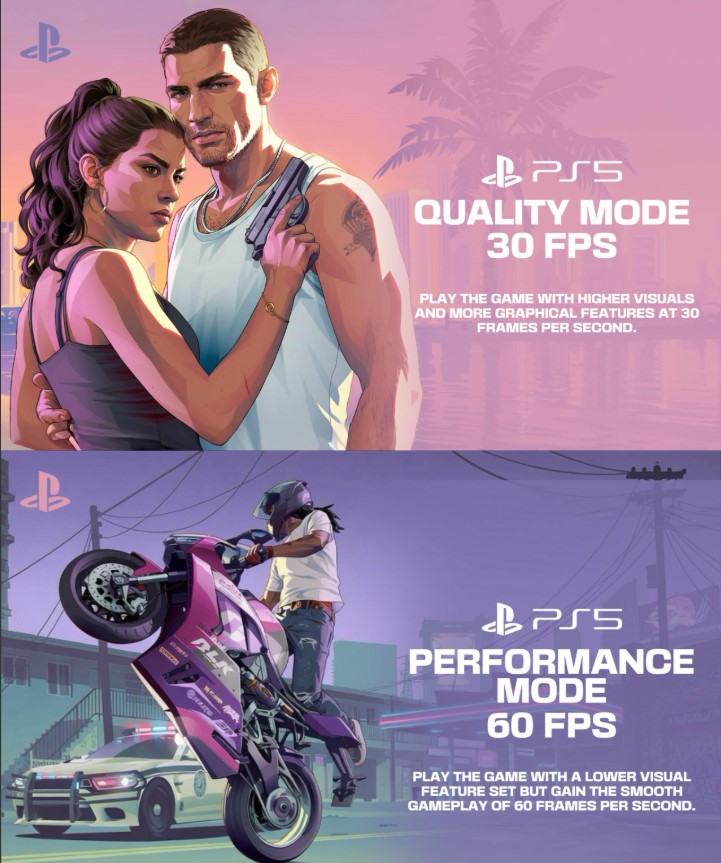
If GTA 6 launches with multiple graphics modes, do not select one based only on its label. Compare the real trade-off on your own display. If the game offers only one mode, there is no graphics-mode decision to optimize.
| Possible Mode Type | Choose It If | Verify Before Keeping It |
| Higher-fidelity option, if offered | You value image detail, lighting, draw distance, or a denser presentation | Camera motion and driving still feel comfortable at its real frame rate |
| Higher-frame-rate option, if offered | You prioritize controller response and smoother movement | Image quality and world-detail reductions remain acceptable |
| Single available option | No alternative graphics mode exists | Your console and TV output are configured correctly |
This framework is conditional, not a claim about GTA 6's menu. The mode names, trade-offs, and even the existence of multiple choices must be verified at launch.
- Choose one mode: Begin with the option that matches your normal preference.
- Use a repeatable location: Test the same road, interior, or populated area in each mode.
- Pan the camera: Judge motion clarity and frame consistency rather than a stationary screenshot.
- Drive at speed: Check response, distant detail, traffic presentation, and visible image breakup.
- Test demanding scenes: Revisit busy locations, weather, combat, or rapid movement when available naturally.
- Switch once: Repeat the same route with the alternative option instead of changing several settings simultaneously.
- Keep the comfortable result: Choose the mode you stop noticing during normal play.
A frame-rate counter can help later technical analysis, but your comfort with camera motion and controller response remains the final decision. The visually richer option is not automatically better, and neither is the higher numerical target.
Settings to Check Once the Real Menu Is Available
The following are categories to inspect, not confirmed GTA 6 option names. Verify whether each control exists before applying advice, and avoid copying numerical presets made before anyone has tested the final game.
| Setting Category to Verify | How to Evaluate It at Launch |
| Graphics or output choices | Compare only the modes that actually appear in the released game. |
| Brightness or HDR calibration | Follow visible calibration symbols and preserve detail in highlights and shadows. |
| Camera response | Adjust gradually until walking and driving remain controllable without overshooting. |
| Aiming controls | Test during real gameplay before changing sensitivity, assistance, or dead-zone behavior. |
| Motion effects | If adjustable, compare comfort during camera pans and fast driving rather than relying on a universal preset. |
| Controller feedback | Balance immersion and fatigue if vibration or trigger-strength controls are provided. |
| Audio presentation | Select options appropriate for headphones, television speakers, or a surround system if available. |
| Subtitles and accessibility | Configure readability, assistance, and comfort before long story sessions. |
Begin with defaults, solve one problem at a time, and preserve a known baseline. Randomly changing every available control makes improvements impossible to identify and can create new issues elsewhere.
Note: This guide should be updated on November 19, 2026, using the released menu, direct console captures, and repeatable tests on every supported console. Pre-launch assumptions should then be removed rather than preserved as historical advice.
GTA 6 Console Settings FAQ
Will GTA 6 run at 60 FPS on PS5?
Rockstar has not confirmed a 60 FPS PS5 mode. A single-source rumor says one is being developed, but it may not be ready for launch.
Will PS5 Pro run GTA 6 at 60 FPS?
GTA 6 is labeled PS5 Pro Enhanced, but no PS5 Pro frame rate, resolution, or graphics mode has been announced. Stronger graphics hardware does not guarantee 60 FPS when other system limits may apply.
Is Xbox Series S limited to 30 FPS?
A current rumor describes 30 FPS as its target while work continues on higher performance. That claim has not been confirmed by Rockstar or Xbox and should not be treated as a final limit.
Do I need HDMI 2.1 to play GTA 6?
No official GTA 6 requirement makes HDMI 2.1 mandatory. HDMI 2.1 is relevant to features such as 4K high-refresh output and VRR, depending on the console and display.
Will a 120 Hz television make GTA 6 run at 120 FPS?
No. A 120 Hz display can accept compatible high-refresh signals, but the game must provide a matching output mode. Rockstar has not announced one.
Should VRR always be enabled?
VRR is generally useful when the console, game, and display support it correctly. Test for flicker or unexpected behavior on your own display, particularly when applying VRR to unsupported games.
What are the best GTA 6 HDR settings?
No game-specific HDR values can be verified before release. Calibrate the console and television first, then follow the released game's own calibration screens if they exist.
How much free storage will GTA 6 require?
The console installation size has not been announced. Use the official pre-load information shown by your console rather than deleting games to satisfy an online estimate.
Which console is best for GTA 6?
PS5 Pro and Xbox Series X provide more hardware headroom, while PS5 remains the base PlayStation option and Series S is the lower-spec Xbox. The best value cannot be judged from GTA 6 performance until every version is tested.
Final Thoughts
The best GTA 6 settings do not exist yet as verified public information. Rockstar has confirmed the release date and console platforms, while frame rates, resolutions, graphics modes, and menu options remain undisclosed.
Prepare the parts you can control: system software, playable SSD storage, television firmware, the correct HDMI input, low-latency behavior, HDR calibration, and a clean display signal. At launch, compare real modes methodically instead of copying a speculative preset.
Follow future game information through GTA 6 boosting services as Grindout's coverage develops. This guide should become a measured optimization guide on November 19, 2026, once every recommendation can be tested against the released game.